> ## Documentation Index
> Fetch the complete documentation index at: https://docs.withflex.com/llms.txt
> Use this file to discover all available pages before exploring further.
# Manage Your Customers
> Learn how to view and manage customer information through the Flex dashboard.
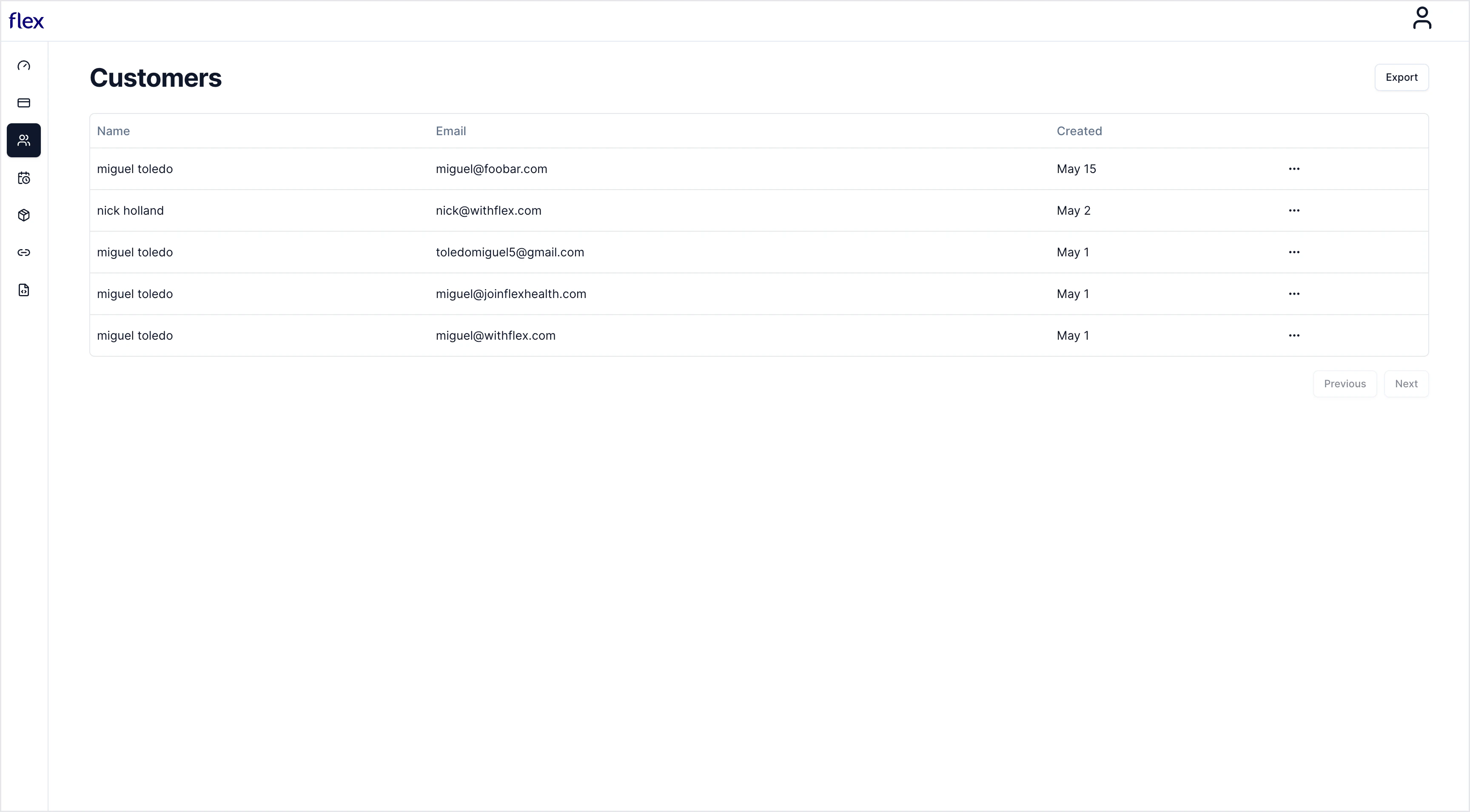
Navigate to Customers to view a list of all your customers. You can export customer data from this view if necessary.
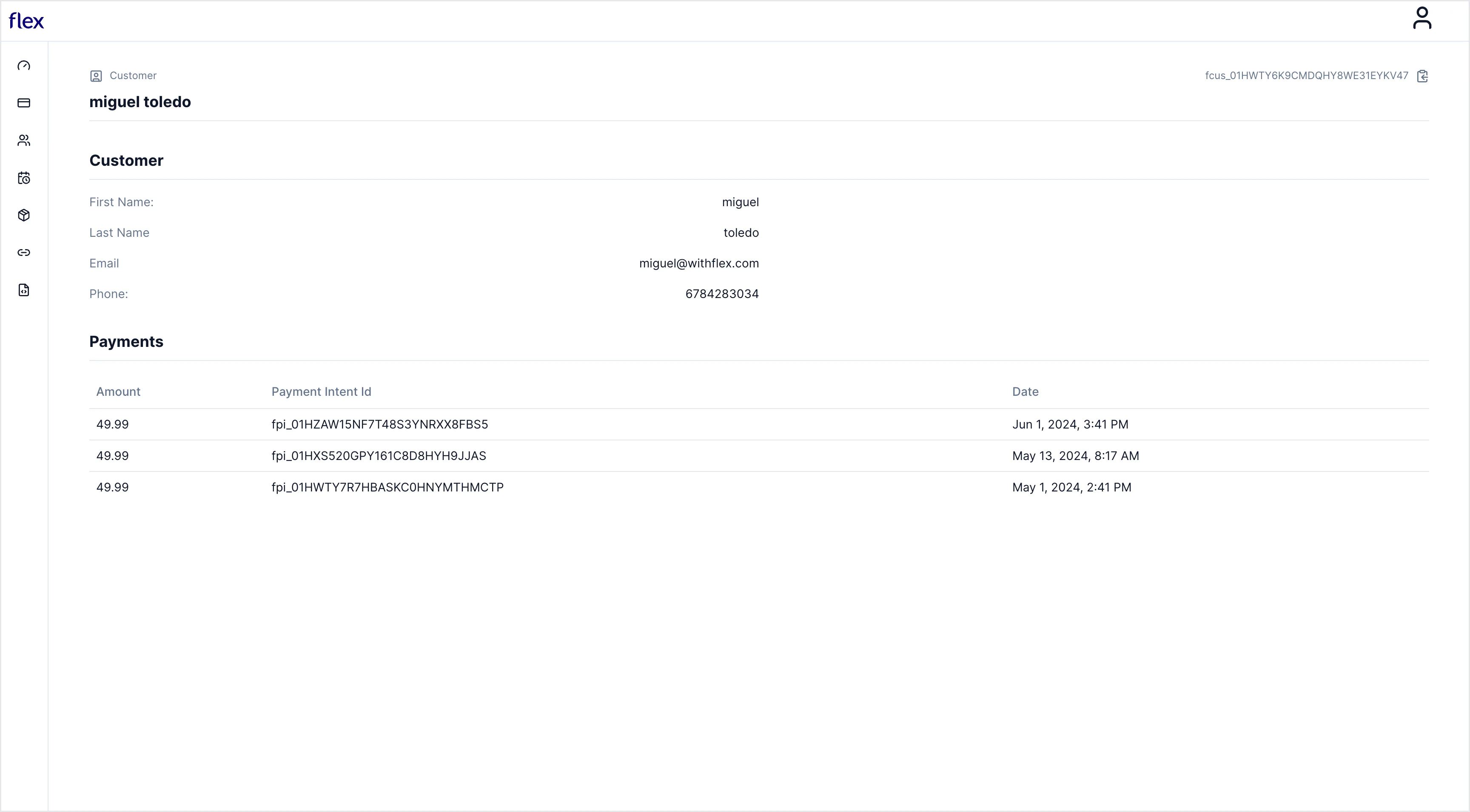
 Click the three dots and select **View Customer** to see additional details about the customer, including all of their corresponding payments.
A customer may not have payments if they only reached the contact section of checkout but did not enter their payment information.
Click the three dots and select **View Customer** to see additional details about the customer, including all of their corresponding payments.
A customer may not have payments if they only reached the contact section of checkout but did not enter their payment information.