> ## Documentation Index
> Fetch the complete documentation index at: https://docs.withflex.com/llms.txt
> Use this file to discover all available pages before exploring further.
# Checkout & Inline Cart
> Display HSA/FSA eligibility messaging in your cart and checkout pages.
To ensure your customers clearly understand they can use their HSA/FSA funds to pay for eligible products, it's important to display HSA/FSA eligibility messaging prominently at the top of your inline cart or checkout.
This guide explains why this placement matters and offers best practices to implement it effectively.
## Why it matters
Many customers are unaware that:
* Their purchase includes HSA/FSA-eligible products
* They can use their HSA or FSA card just like a credit card with Flex at checkout
By highlighting eligibility early in the purchase journey, specifically in the cart or checkout, you can help:
* Reduce friction and confusion
* Increase trust and perceived value
* Improve conversion rates for eligible product purchases
## Best practice: inline cart eligibility messaging
### Recommended placement
* Top of the inline cart drawer or page
* Above or near the subtotal section
* Clearly visible before the user initiates checkout
### Example message
> One or more items in your cart are HSA/FSA eligible! Select Flex at checkout to use your HSA/FSA card.
### Design tips
* Use a Flex badge or icon to attract attention
* Display a link to a dedicated landing page or tooltip explaining how HSA/FSA payments work
* Show item-level HSA/FSA eligibility next to applicable line items, when possible
### Industry best practices for cart messaging
| **Best Practice** | Description |
| :----------------------- | :----------------------------------------------------------------------- |
| **Be explicit** | Use terms like "HSA/FSA card," "eligible," and "Flex" to avoid ambiguity |
| **Keep it brief** | Cart messaging should be 1–2 short lines to avoid clutter |
| **Use visual cues** | Flex Icons and consistent HSA/FSA branding help reinforce the message |
| **Repeat strategically** | Reinforce eligibility in product pages, the cart, and during checkout |
## Buttons
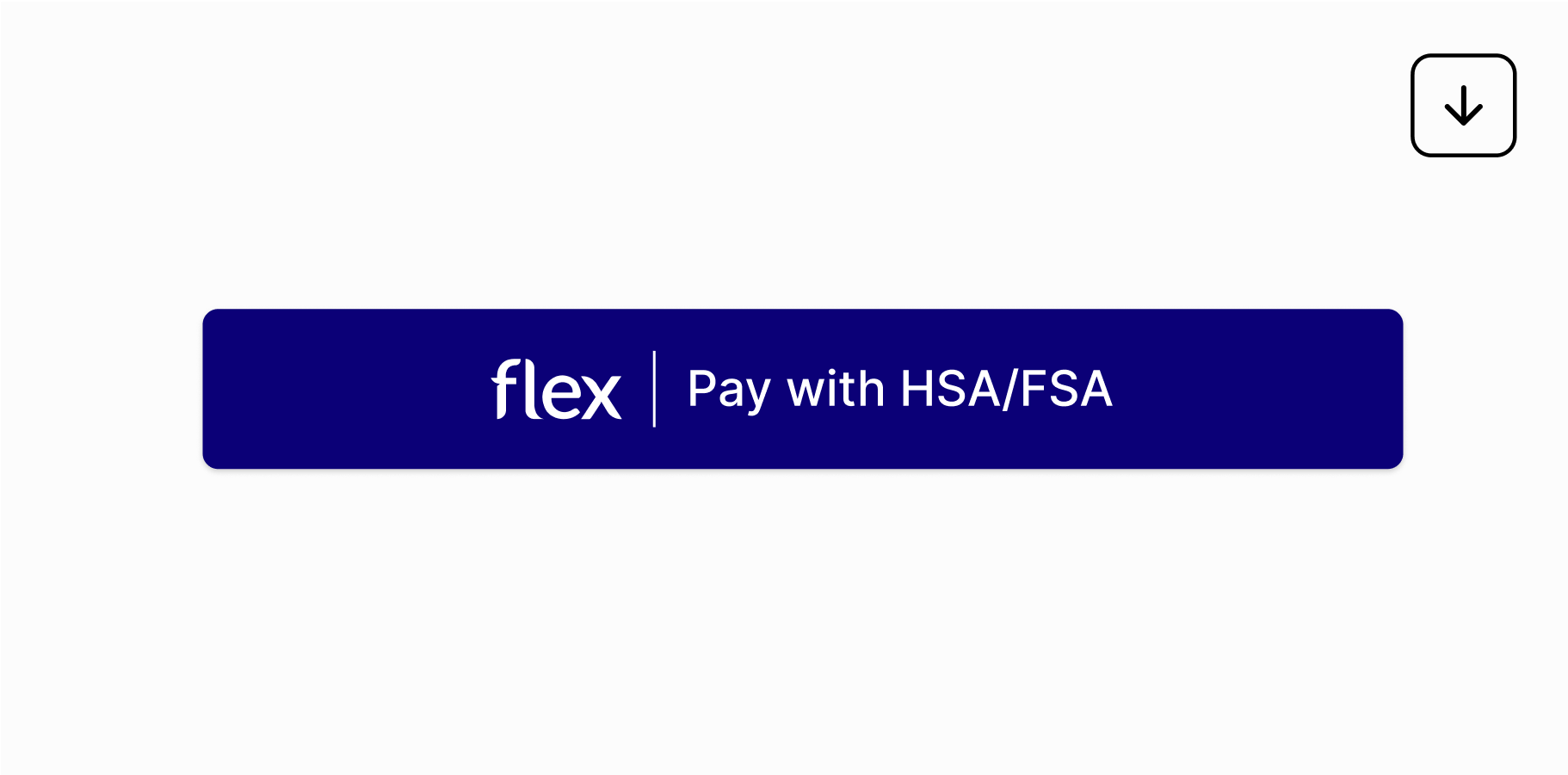
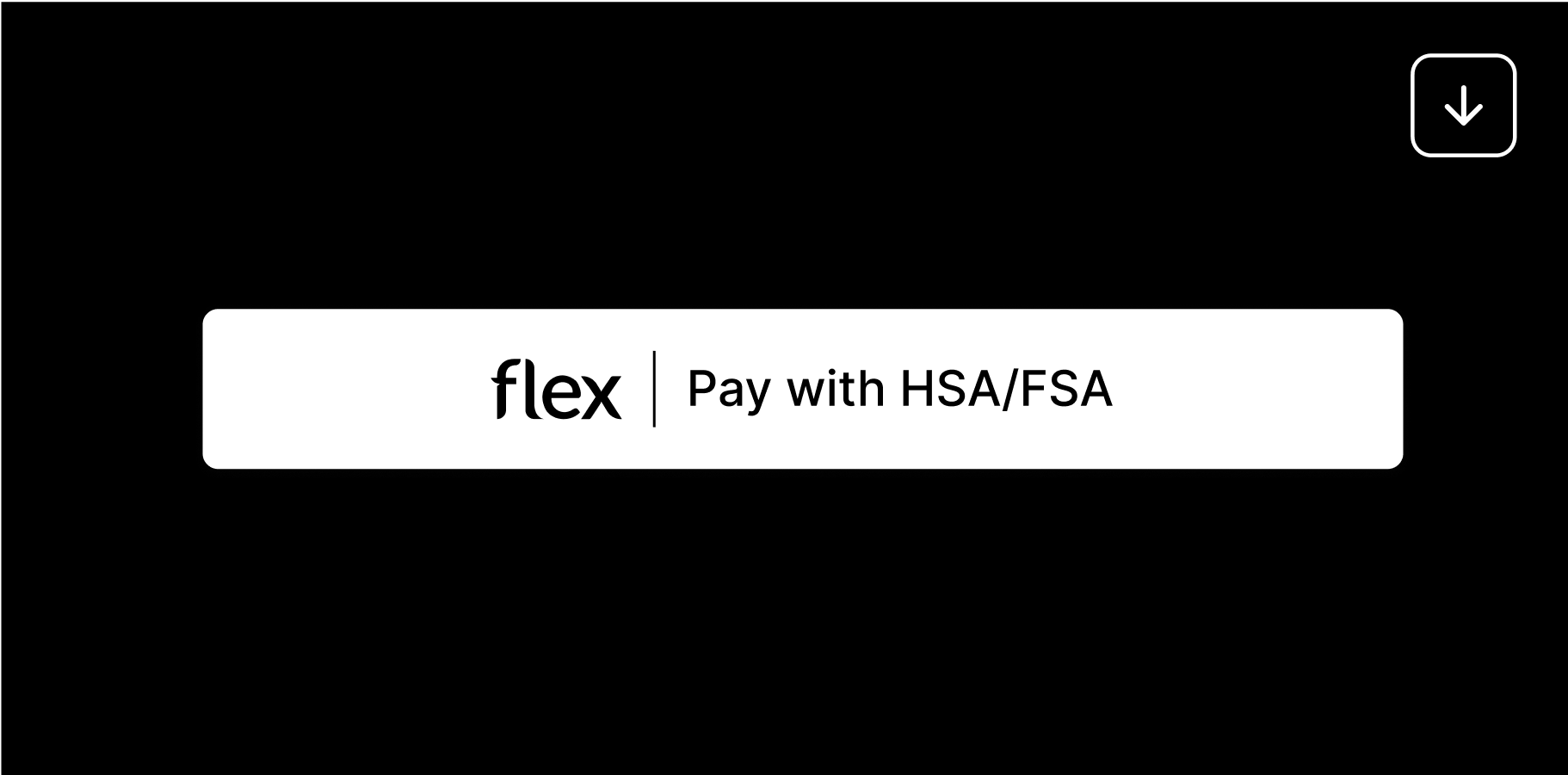
In addition to messaging, consider adding a button or call-to-action that helps customers checkout using their HSA/FSA funds.
 ## Business impact
Displaying HSA/FSA eligibility in the cart can drive measurable results:
* Higher conversion rates for eligible products
* Increased cart confidence - customers feel empowered when using pre-tax funds
* Lower abandonment rates for health-related items
## Implementation notes
* If you're using Shopify, this messaging can be added via theme customizations to your cart page. You can also add it in the cart-drawer.liquid or cart.liquid files.
* You can optionally use product tags to conditionally display the message only when HSA/FSA-eligible items are present.
## Summary
Highlighting HSA/FSA eligibility with Flex **at the top of the cart** is one of the highest-impact ways to drive awareness and usage. By clearly communicating this benefit, you unlock a powerful incentive for your customers to complete their purchase using funds they've already set aside.
If you need help implementing this in your cart UI, reach out to [support@withflex.com](mailto:support@withflex.com).
## Examples
* Merchant Example: [NordicTrack](https://www.nordictrack.com/product/x24-treadmill)
* Merchant Example: [Lumen](https://www.lumen.me/shop#)
## Business impact
Displaying HSA/FSA eligibility in the cart can drive measurable results:
* Higher conversion rates for eligible products
* Increased cart confidence - customers feel empowered when using pre-tax funds
* Lower abandonment rates for health-related items
## Implementation notes
* If you're using Shopify, this messaging can be added via theme customizations to your cart page. You can also add it in the cart-drawer.liquid or cart.liquid files.
* You can optionally use product tags to conditionally display the message only when HSA/FSA-eligible items are present.
## Summary
Highlighting HSA/FSA eligibility with Flex **at the top of the cart** is one of the highest-impact ways to drive awareness and usage. By clearly communicating this benefit, you unlock a powerful incentive for your customers to complete their purchase using funds they've already set aside.
If you need help implementing this in your cart UI, reach out to [support@withflex.com](mailto:support@withflex.com).
## Examples
* Merchant Example: [NordicTrack](https://www.nordictrack.com/product/x24-treadmill)
* Merchant Example: [Lumen](https://www.lumen.me/shop#)