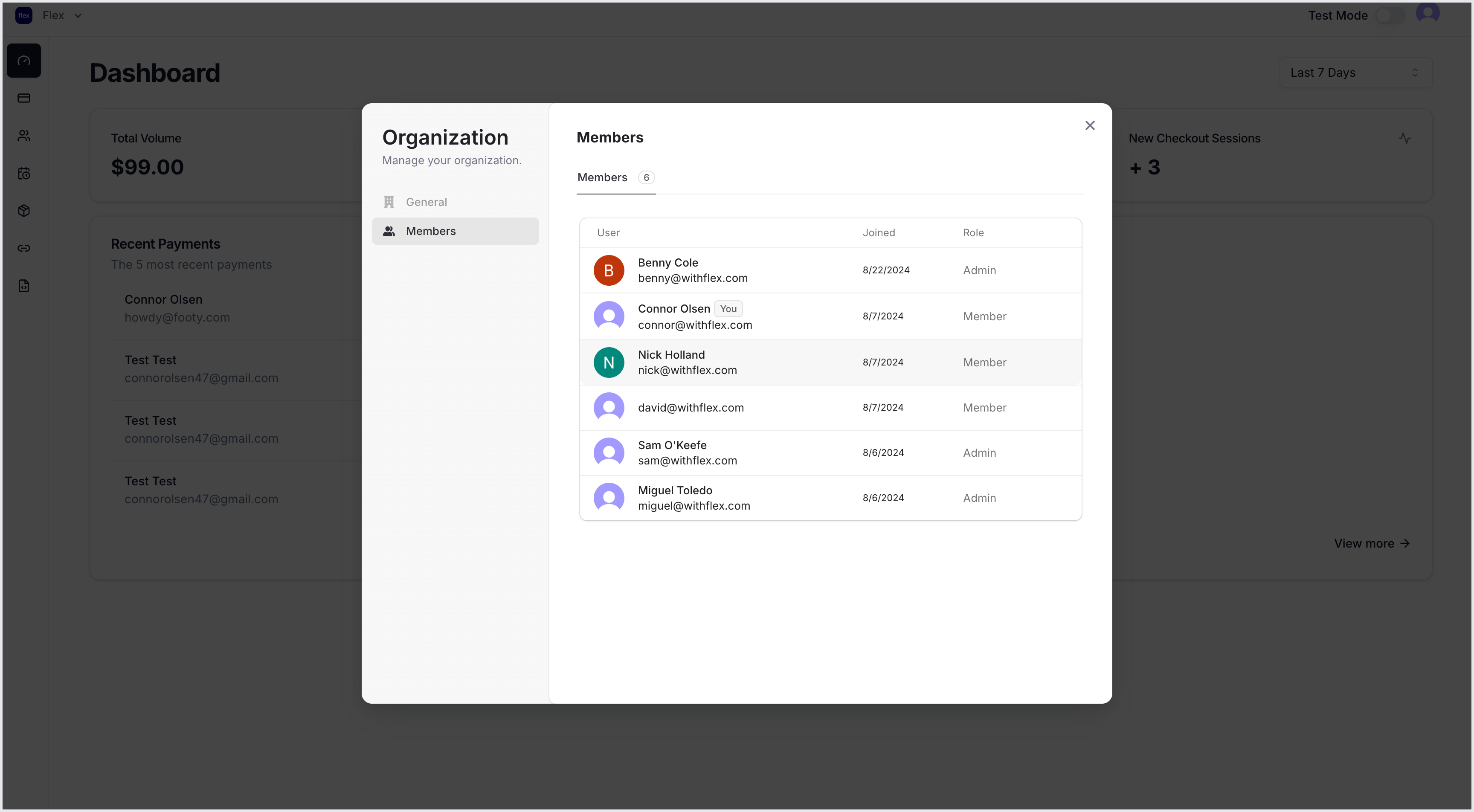
Navigate to the Organization
Go to the top left corner of the screen and locate your organization’s name. Click on the organization name to open a dropdown menu.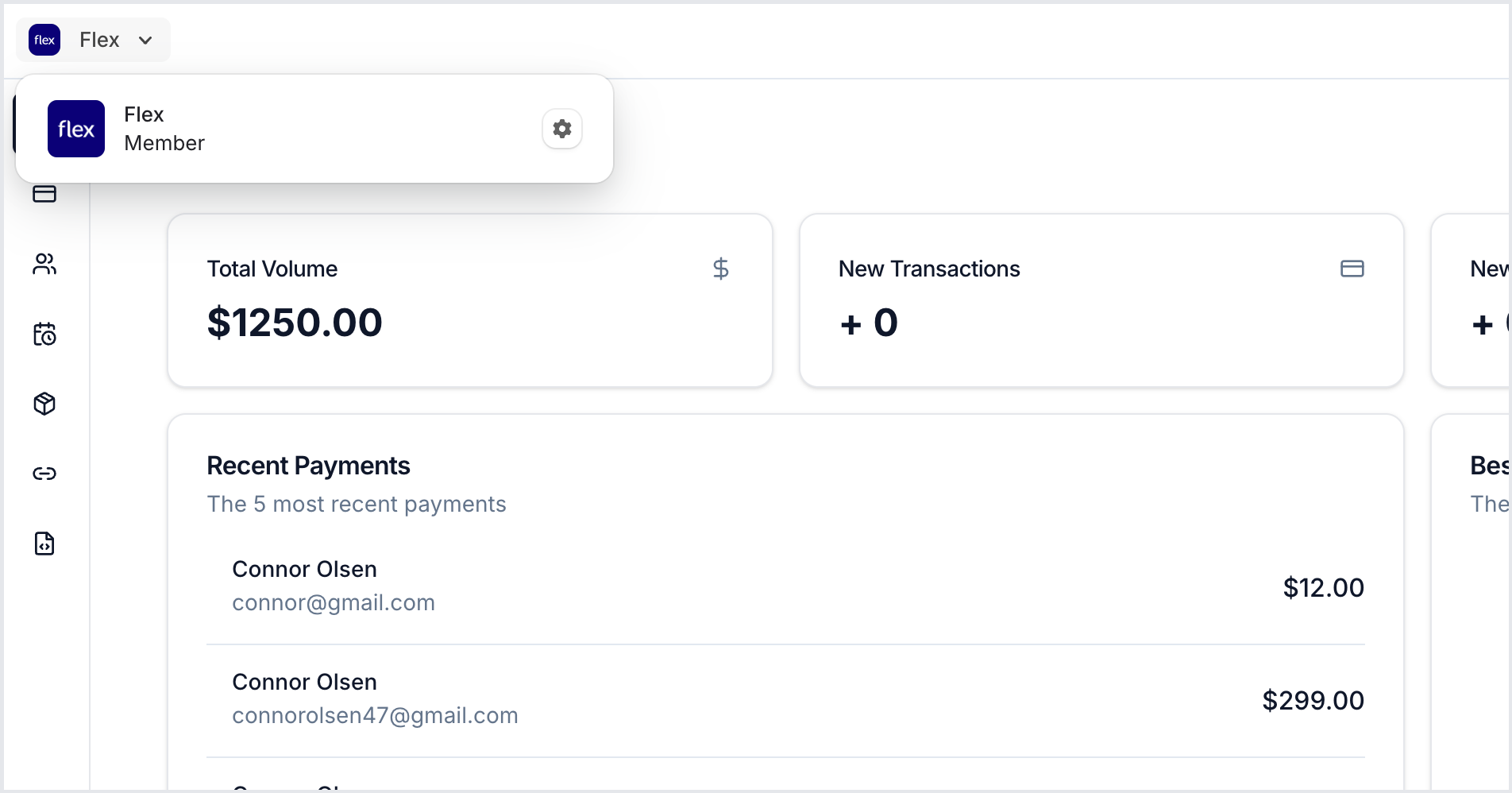
Learn how to invite new members to your organization to access the Flex Dashboard and private documentation.