

- Businesses without an online checkout
- Physical retail locations
- Merchants not yet ready to integrate HSA/FSA payments
- Products that require an LMN
How reimbursements work
1
Discover
Customers find your reimbursement link on the Flex Marketplace, your website, receipts, emails, order details page, or in-store materials.
2
Consult
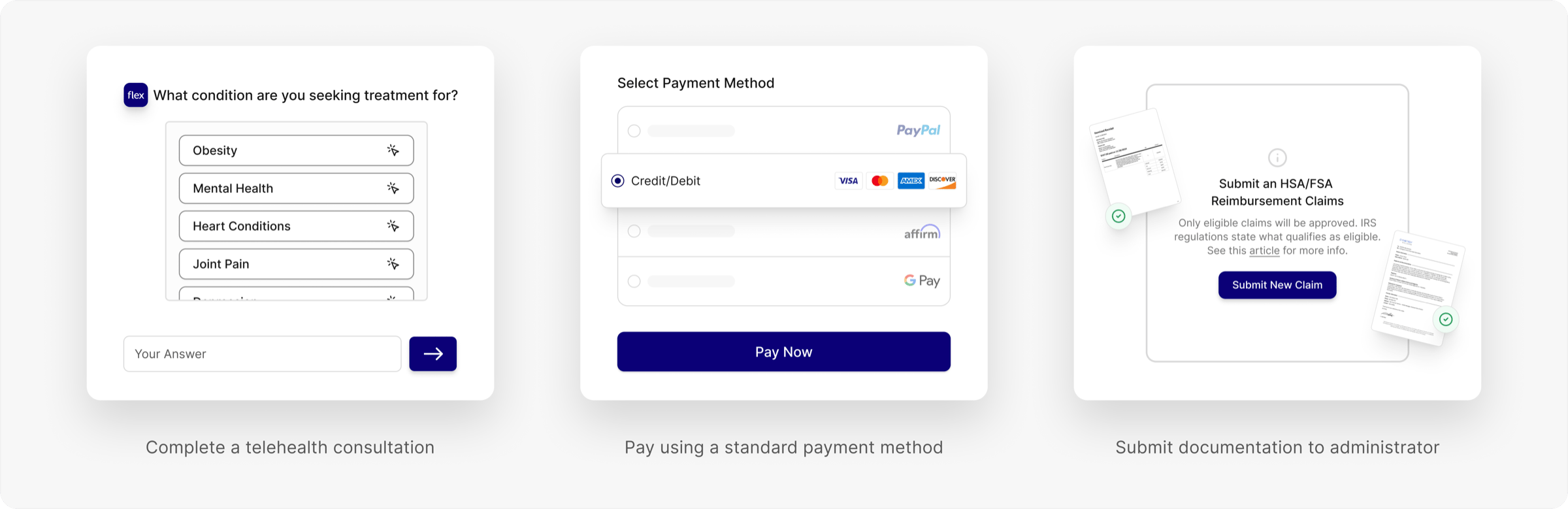
Customers complete a Flex telehealth consultation to see if they qualify for an LMN.
3
Receive documents
A licensed healthcare provider reviews their information. Approved customers receive their LMN and reimbursement instructions.
4
Request reimbursement
Customers submit their itemized receipt and required documentation to their HSA/FSA administrator.
Which products can be reimbursed?
Eligibility depends on the product, individual circumstances, and plan requirements. Flex documentation doesn’t guarantee reimbursement. Learn more about how eligibility works.
What Flex handles
Flex provides the consultation experience, provider review, documentation, customer notifications, and the Flex Portal. Customers can return to the Flex Portal to find their consultation information, Letters of Medical Necessity, and reimbursement instructions.Choose your setup
Through your Flex partner account
Available to businesses already set up with Flex payments. Your configured LMN fee and merchant billing arrangement apply. Track aggregate reimbursement performance in Flex Analytics and review individual reimbursement sessions.
Flex-hosted reimbursement
A lightweight setup where customers pay Flex directly for their consultation. No Flex account needed. Dashboard reporting isn’t available, but Flex can send reports on request.
Next steps
Getting Started
Receive your reimbursement link and add it to customer touchpoints.
Reimbursement Page
Build a dedicated page that explains reimbursement to your customers.