

Shopify test payments
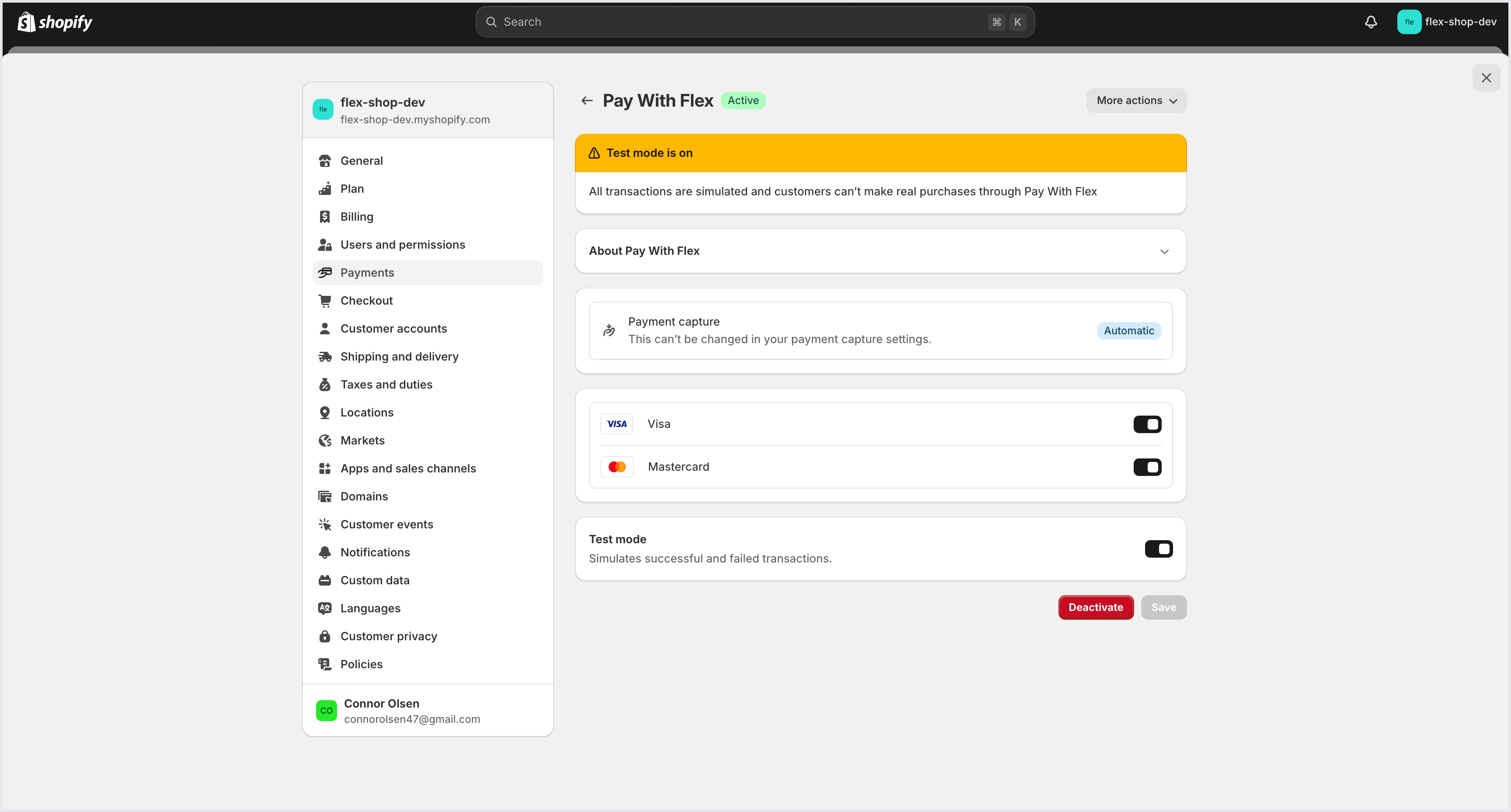
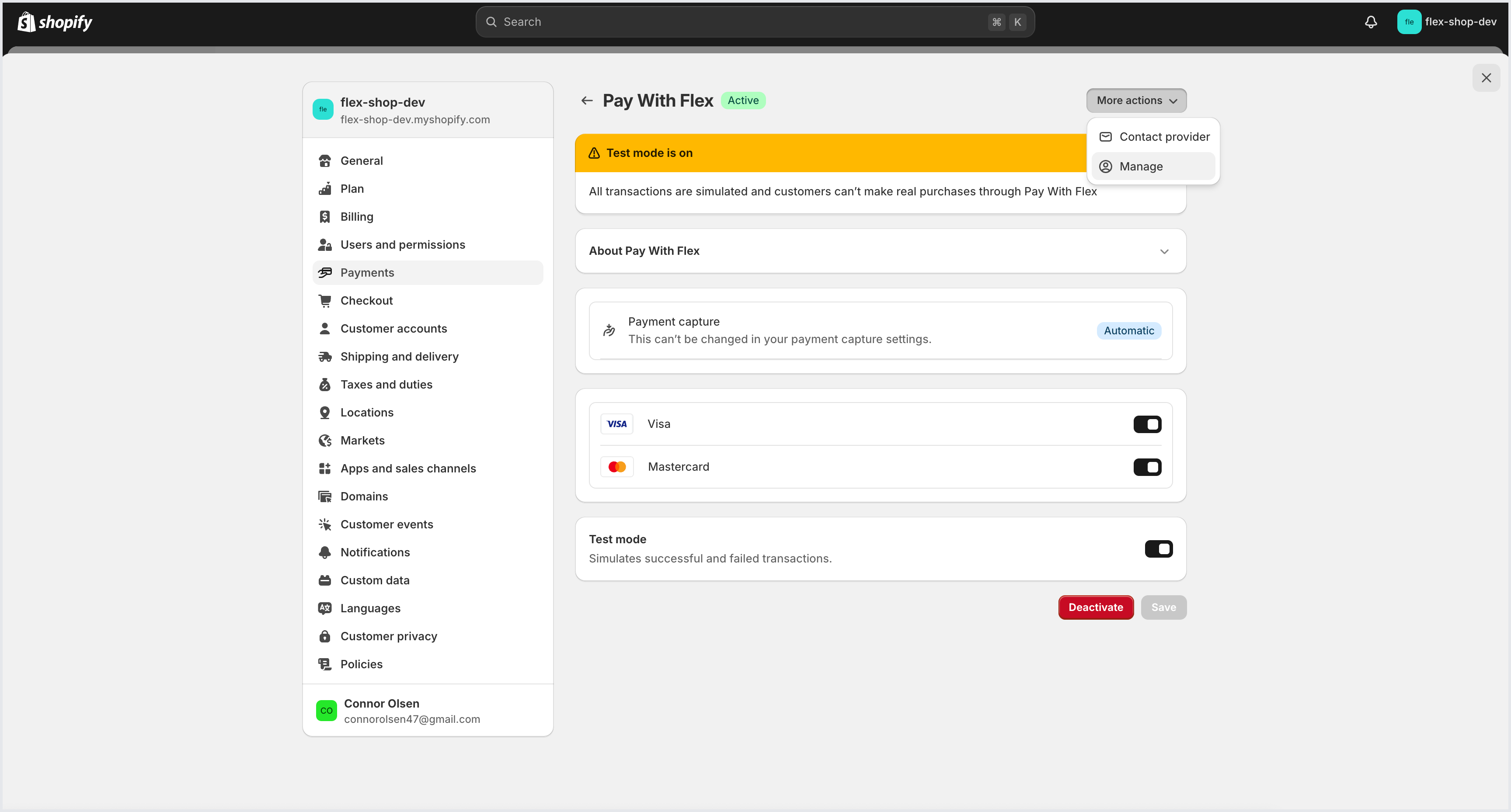
Turn on test mode
In the top right corner of the dashboard, toggle Test Mode on. When Test Mode is on, you should see a yellow banner at the top of the dashboard.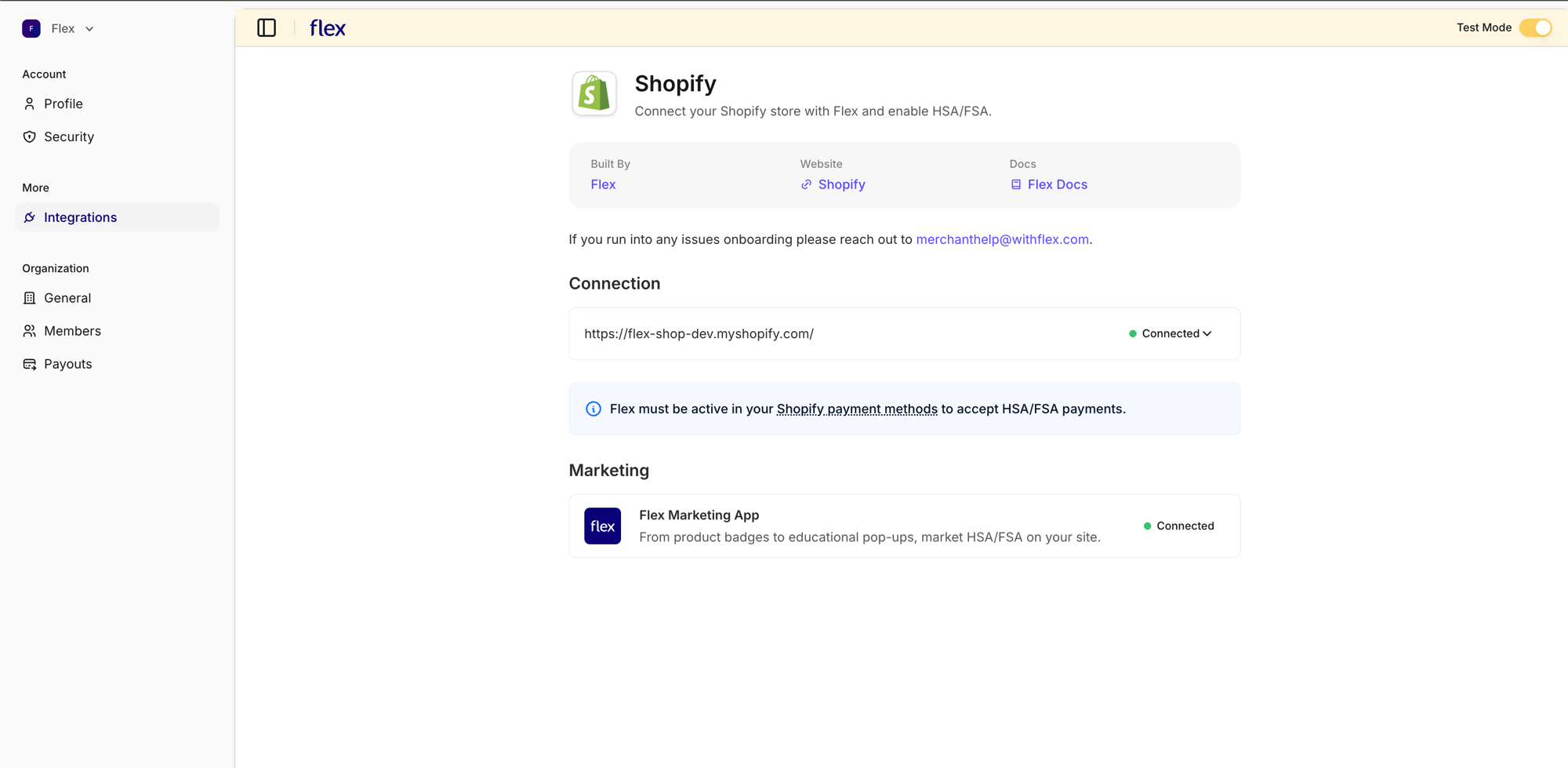
Sync products
From the Connected drop-down menu, select Resync Products. This triggers a product sync in test mode, so your store’s products are also made available in your Flex account’s test mode.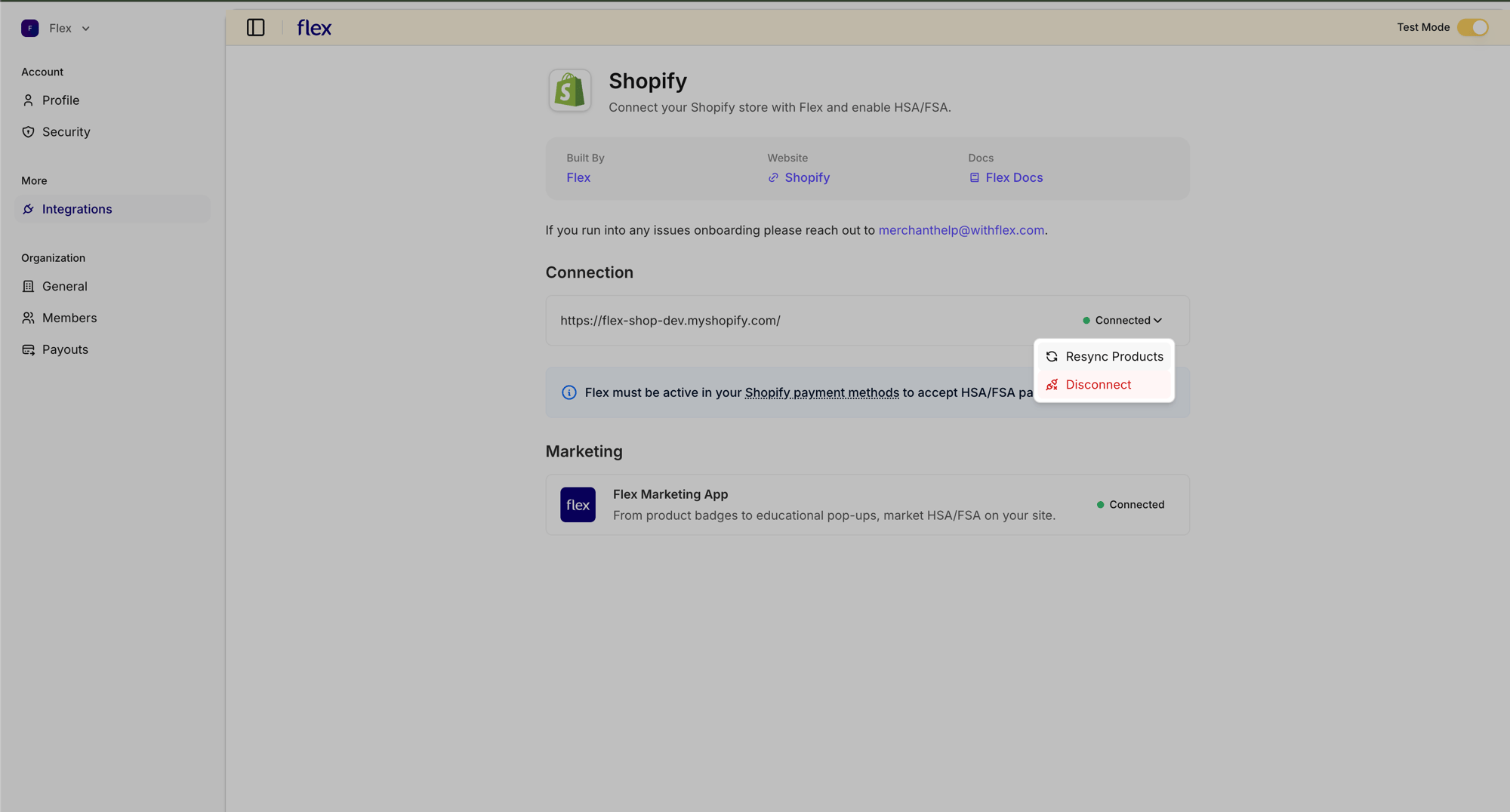
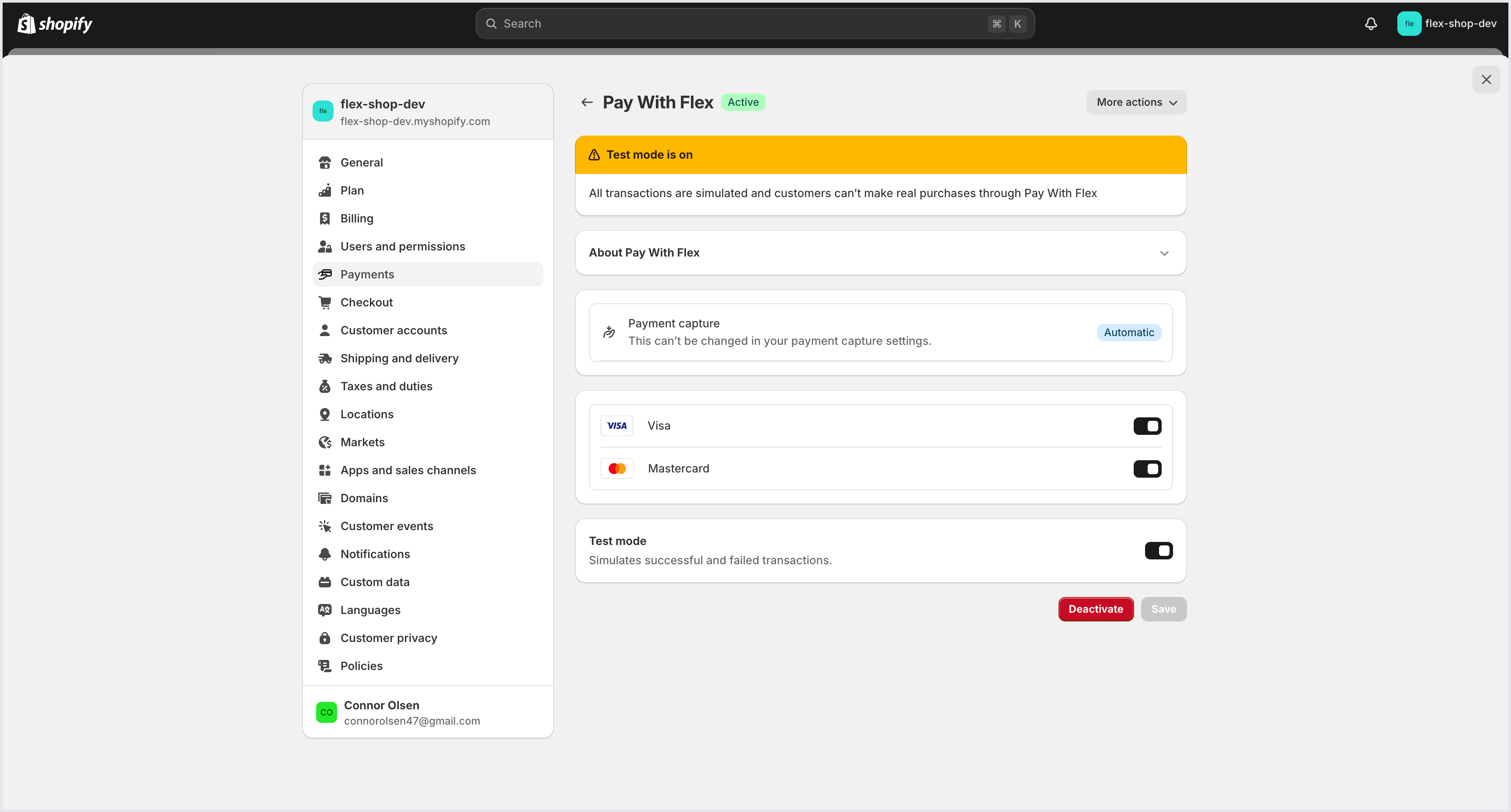
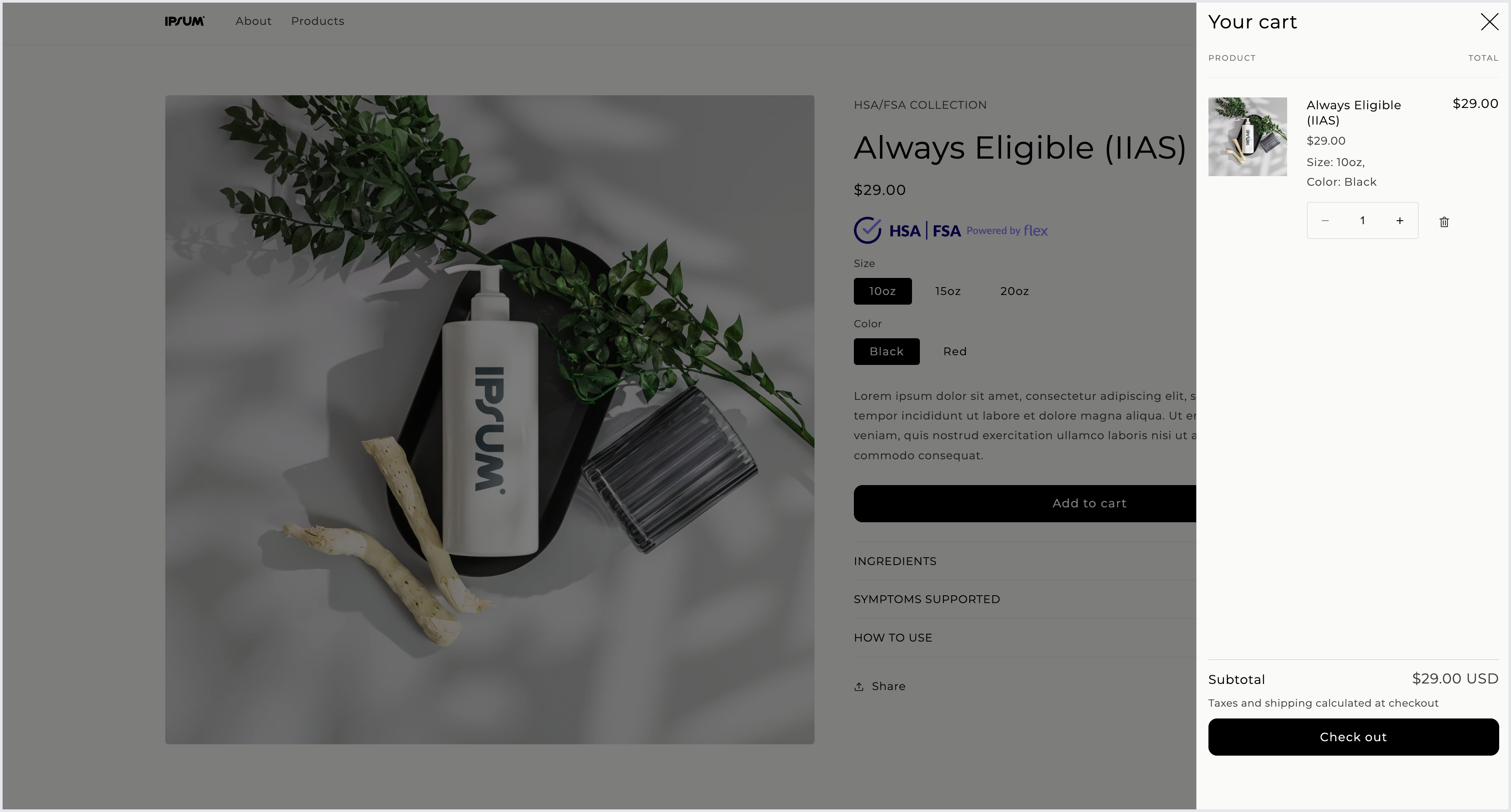
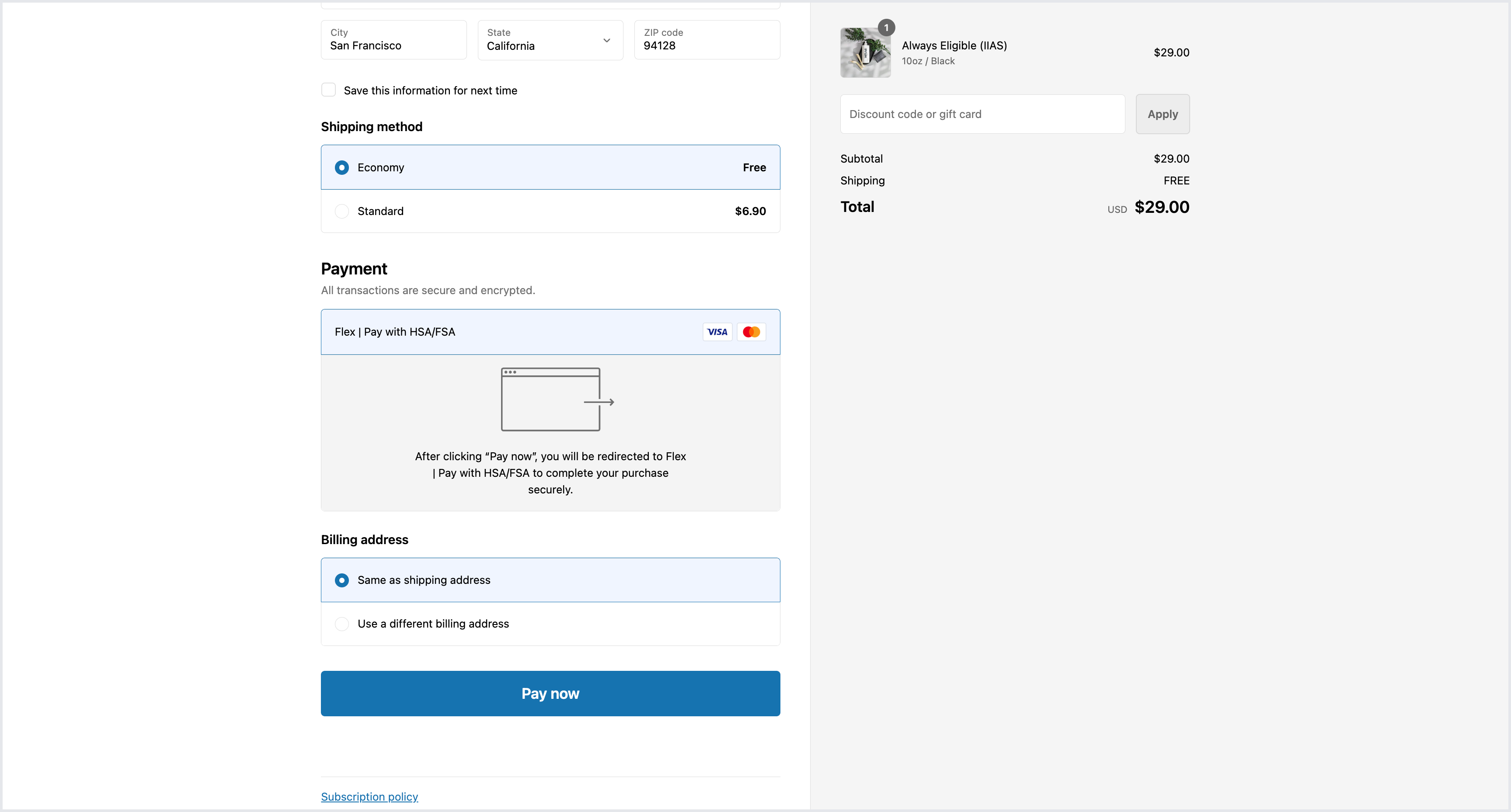
Create a test payment
You can use test cards to simulate test transactions, including both successful and declined transactions.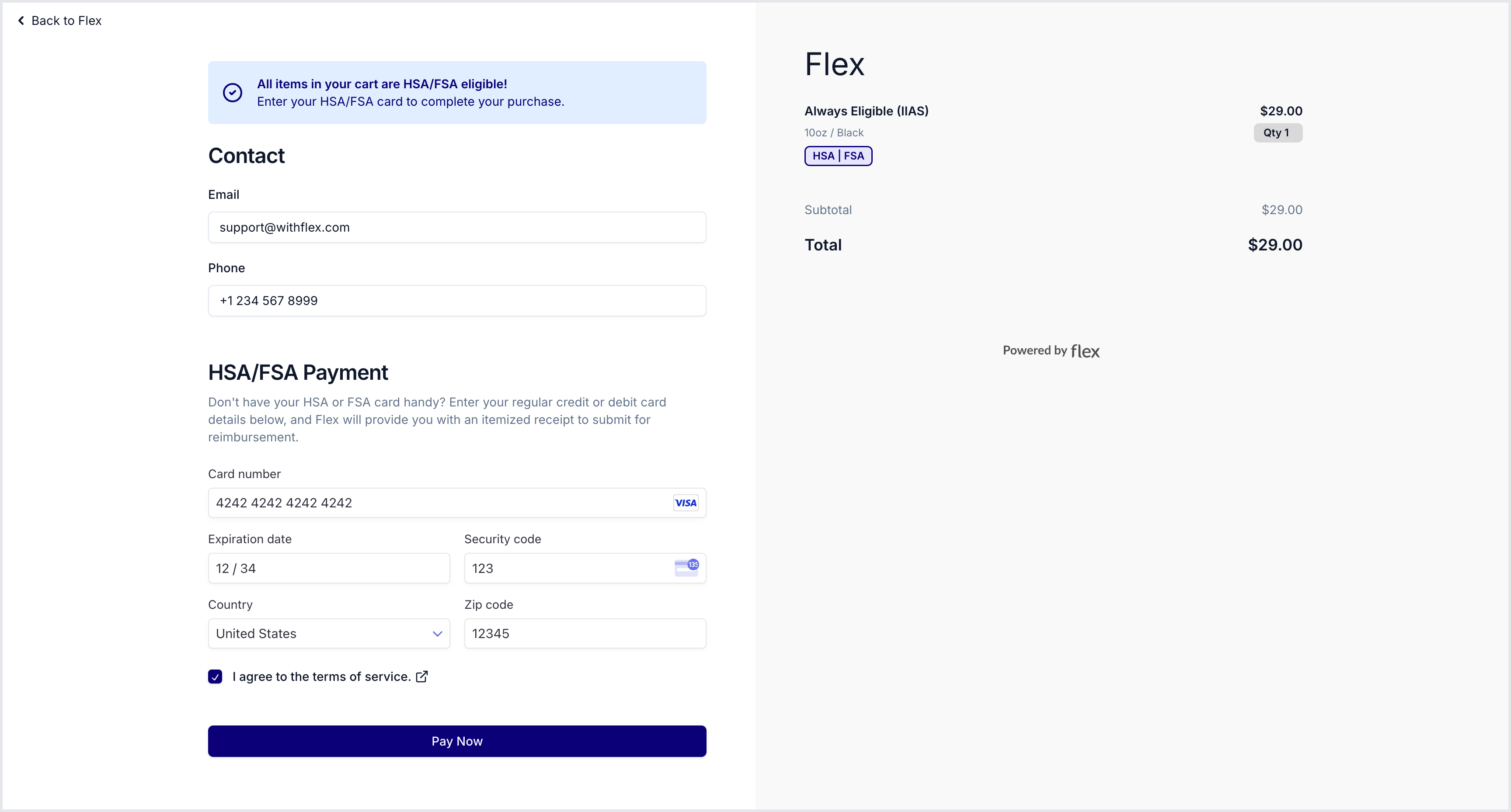
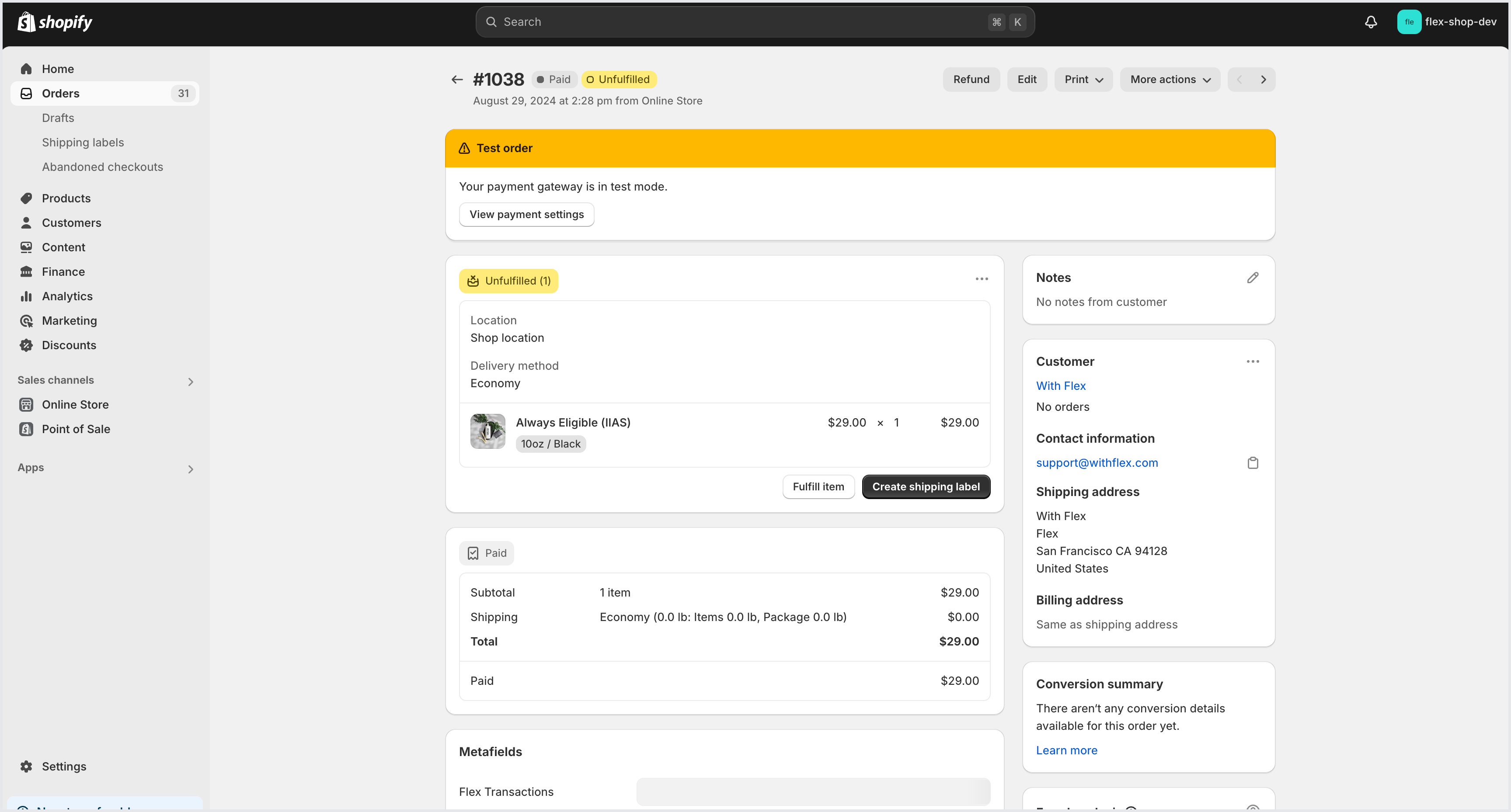
Flex Shopify test store
If you would like to see what the Flex Shopify checkout flow looks like, you can place an order through the Flex Test Store.- Navigate to the Flex Test Store
- Use the password flex to gain access.
Install the Flex Extensions app
The Flex Extensions app (formerly Flex Marketing) is required for HSA/FSA checkout. It syncs your catalog to Flex, keeps HSA/FSA eligibility up to date on your products, and adds eligibility badges and blocks to your storefront.